
Sports
Every game worth watching.
Follow your team and add the whole season in one tap. intori flags the games that matter, tells you where to watch, and keeps scores hidden until you are ready.

For busy households
Your calendar tells you what you have to do. intori finds what you would hate to miss before you think to look, and adds it in one tap.
The big game on Sunday. An artist you love, playing nearby. Your show, back next week. Dinner before you go.
14 days free, no card needed. No ads, and nothing sold about your family.
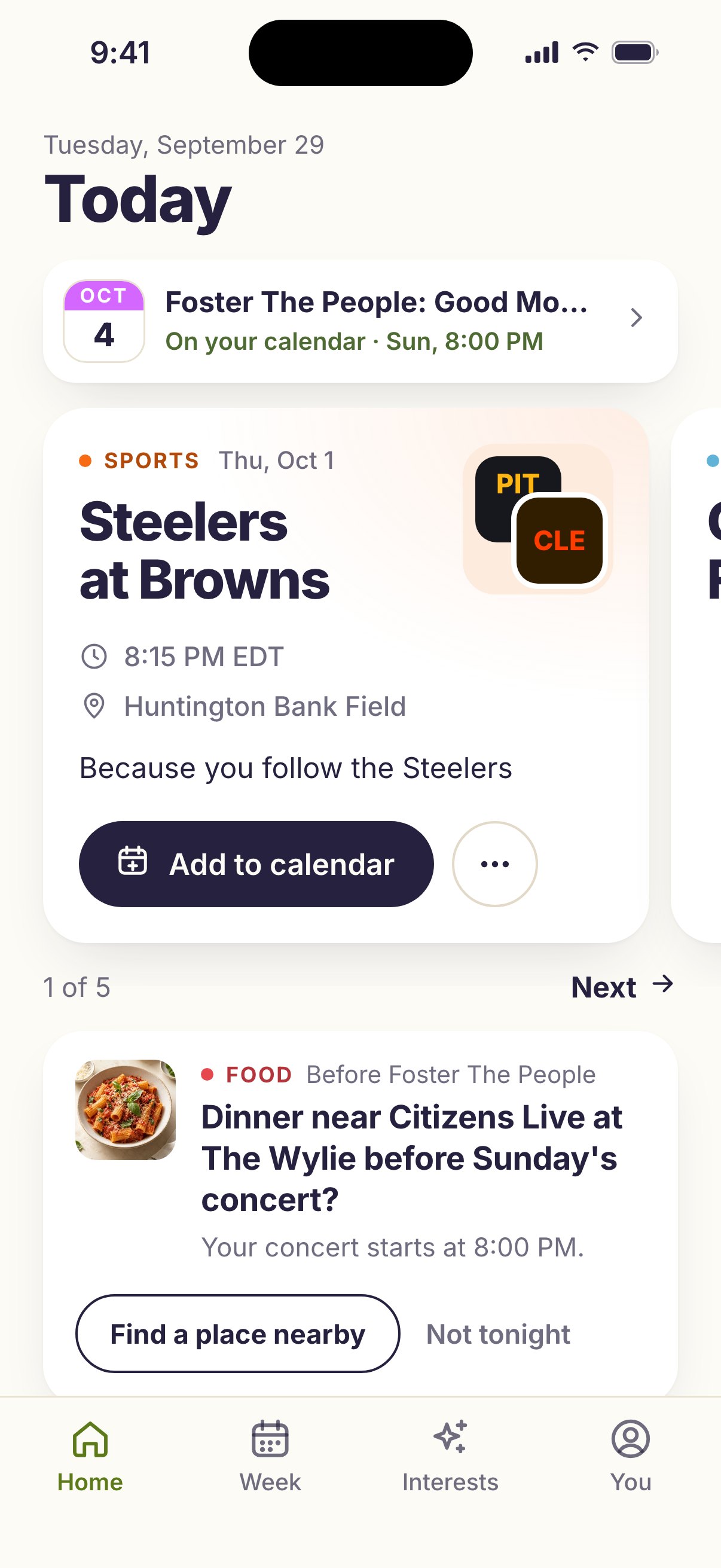
No feed to scroll, no searching, nothing to type.
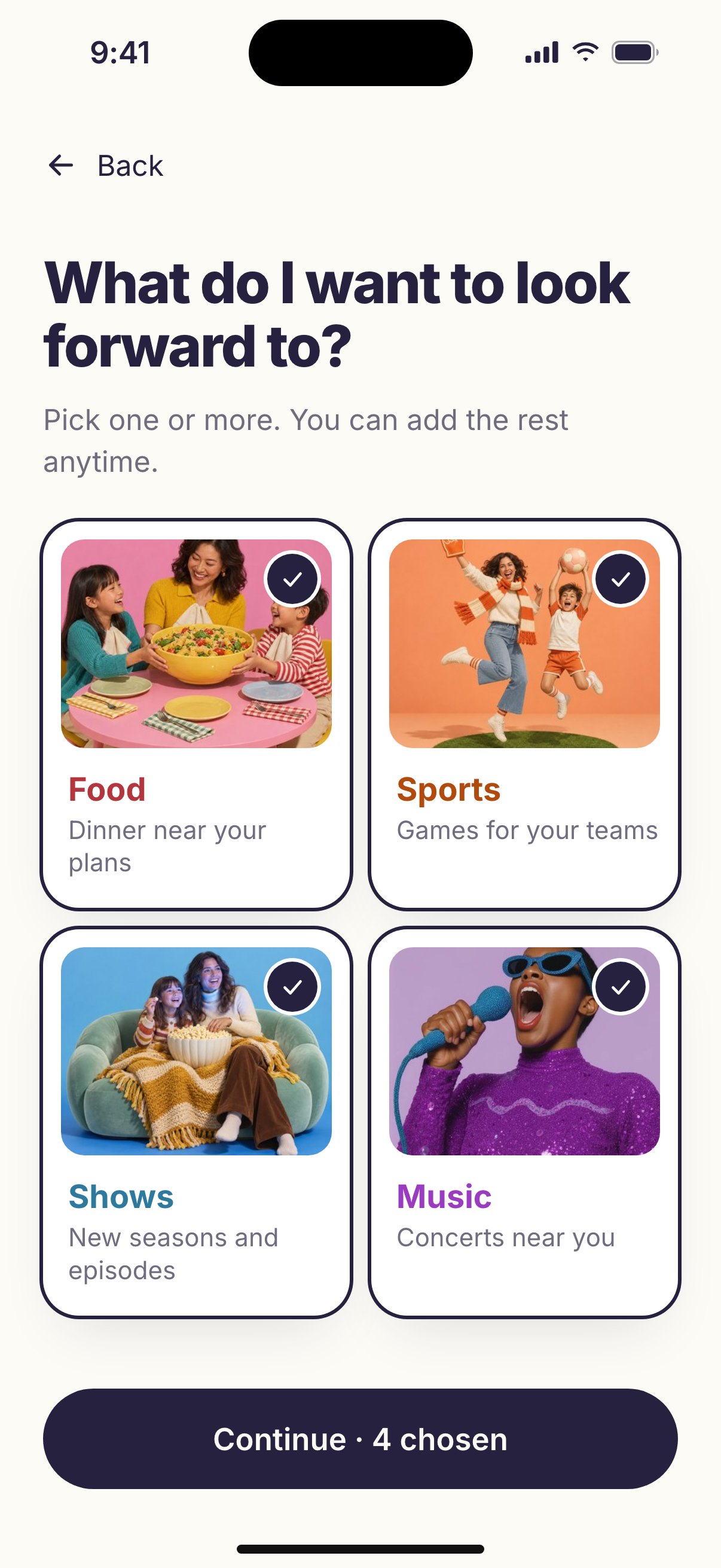
Sign in with Apple or your email, then pick your teams, your shows, the artists you would go see, and the food you like. A few taps each, and you can add the rest anytime.
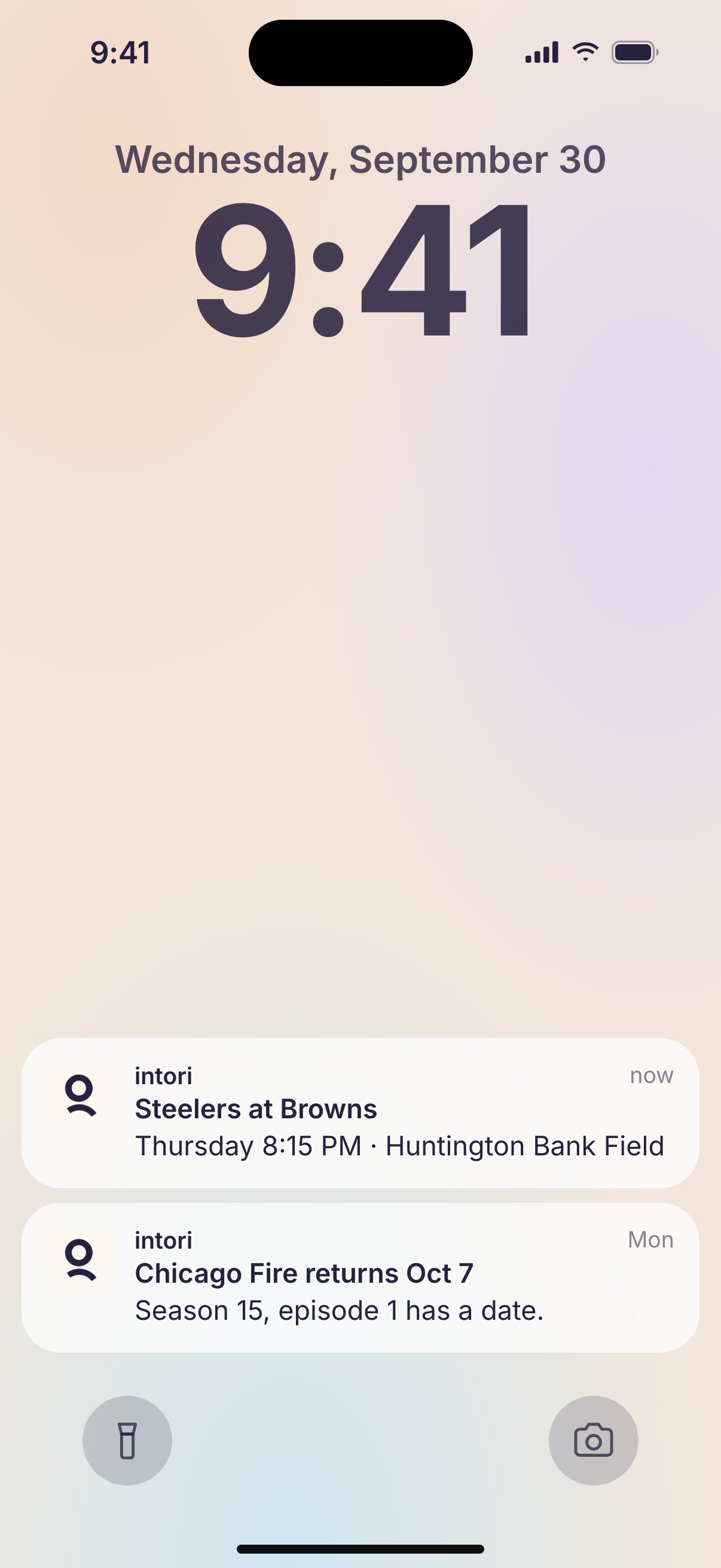
intori keeps an eye on schedules, premieres, and tour dates. You get up to five picks a day, each with the reason it is there, and a heads-up when something you follow gets a date.
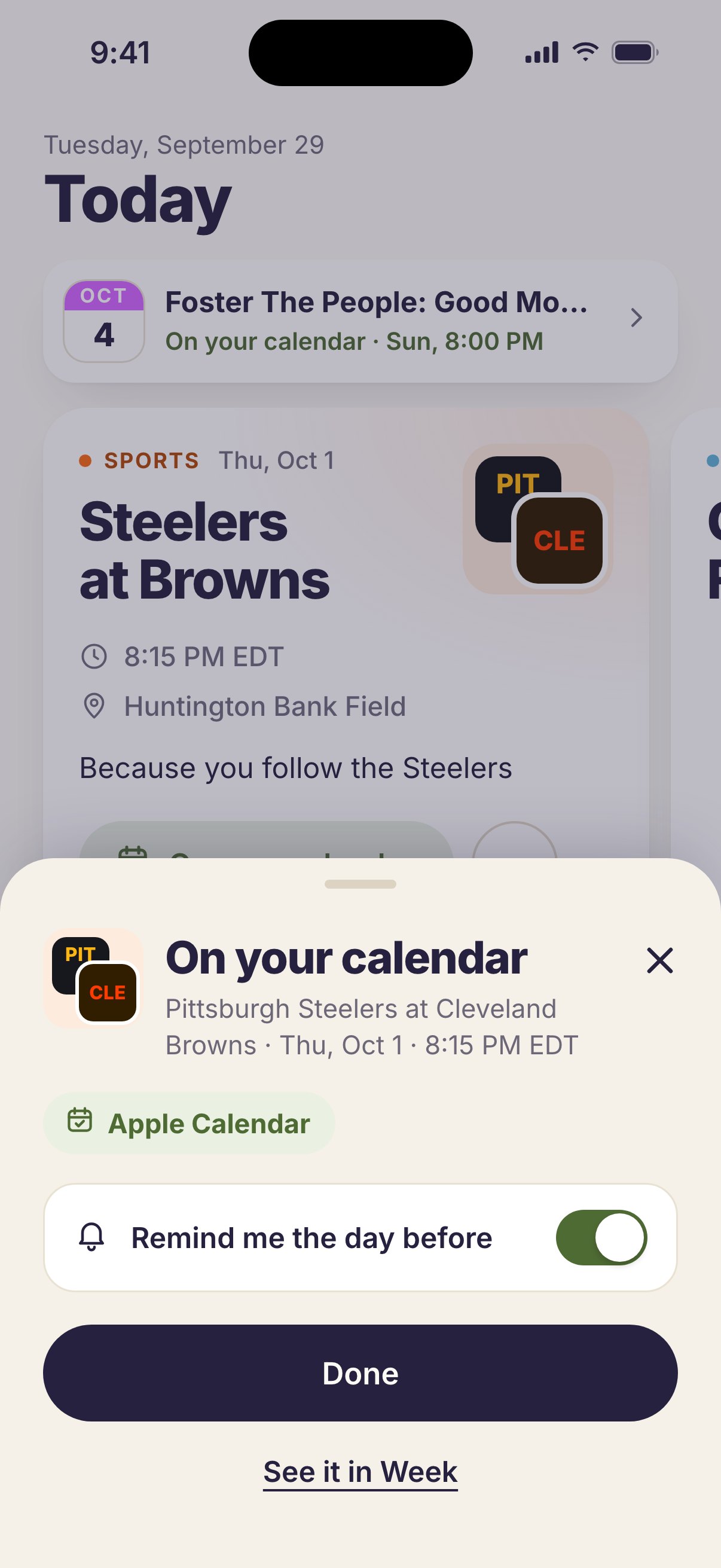
Tap Add to calendar and it is on your iPhone’s calendar. Want a reminder? Flip one switch, and intori sends it the day before.
Follow the teams, shows, and artists your household loves. intori does the rest.
Sports
Follow your team and add the whole season in one tap. intori flags the games that matter, tells you where to watch, and keeps scores hidden until you are ready.

Music
intori watches for the artists you love playing near you, and tells you when tickets go on sale, while there is still time to make a night of it.

Shows
Follow the shows you watch together. intori tells you when a new season lands and where it is streaming, so premiere night makes it onto the calendar.

Food
Headed to a show or a game? intori finds places nearby that suit your household. On a night off, it has a few good spots close to home.
Your calendar tells you what you have to do.
intori gives you something to look forward to.
Family calendars are great at keeping the household running. What they can’t do is notice that your team plays Sunday, your show is back next week, or an artist you love is in town. Keeping track of all that is one more job, and it usually falls to one person, or to nobody. intori does the noticing. And because it remembers what you have added, it can make those plans easier too, like finding dinner near the venue before the show.
Tap Add to calendar and the date lands in your iPhone’s calendar, right next to everything else. Your iPhone asks for permission once. After that, every add is instant.
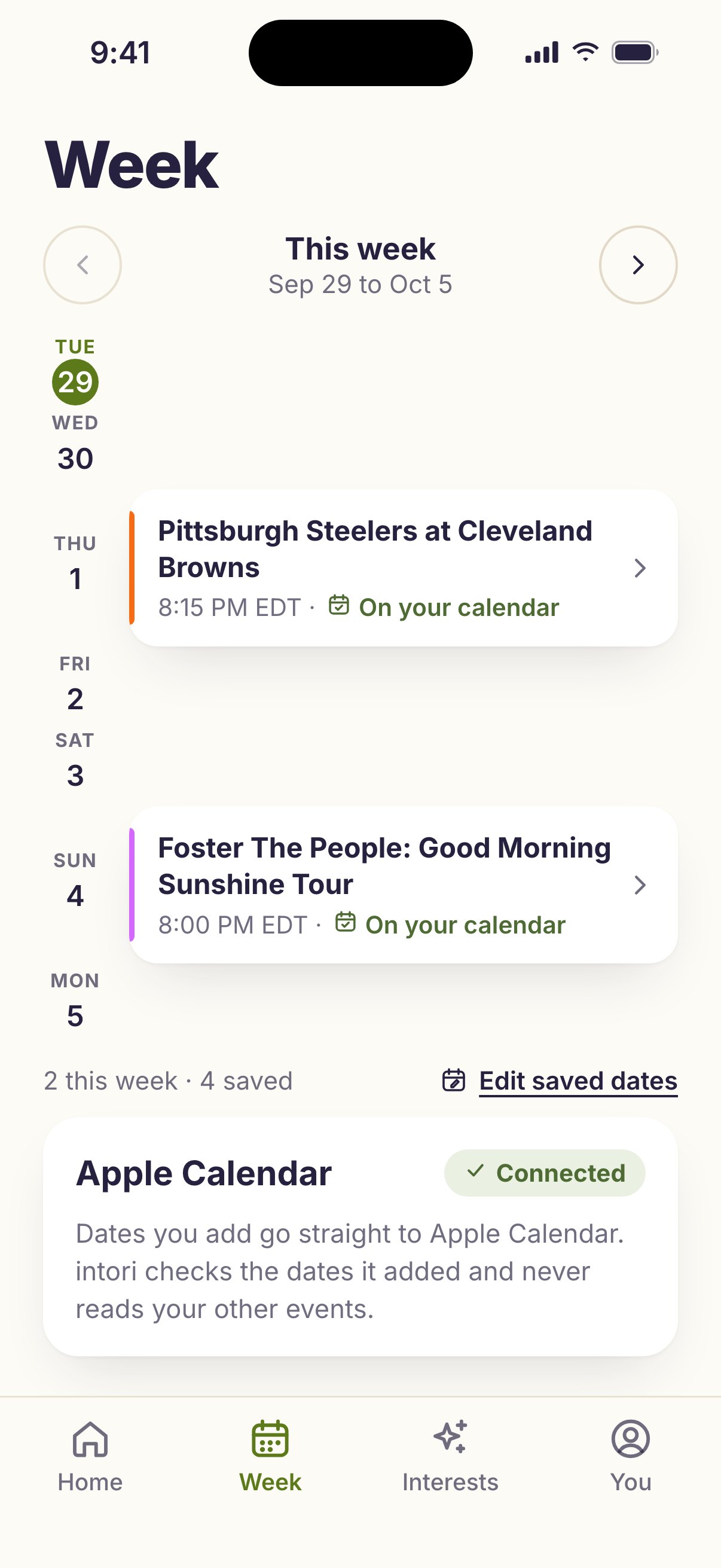
Everything you add also shows up in intori’s Week, and if you want a reminder, intori sends one the day before, or two days before a concert.
intori adds only the dates you choose, and never reads your other events.
Use Google Calendar or a family display like Skylight? Open Calendars and displays from intori’s Week to connect it, and what you add shows up there too.
intori is paid for by households, not advertisers. So it is built to be useful, not to keep you scrolling.
Up to five picks a day, each with the reason it is there. When you have seen them, intori says so, and you get on with your day.
A heads-up before something you added, a changed game time, a new date from a team, show, or artist you follow. Never overnight, and never a nudge to come back.
Now and then, after you add something, intori asks one quick question. Tap an answer, and the next picks fit your household a little better.
You pay for intori, so your family is the customer, not the product. What you share stays yours, and you choose how much.
We’re building one that surfaces timely, nearby opportunities a family would be glad to know about before they pass: the exhibit that only runs one weekend, the season that ends soon, the small Saturday adventure that turns an ordinary weekend into a memory. Worth putting on the calendar while there’s still time.
Not live yet. The four above are.
Your 14 days start when you finish setup, not when you sign up. It is a real date, and the app shows it to you, so you are never guessing how long you have left.
In the appFull access until October 8, 2026.
Monthly
$8.99/month
Cancel any time. You keep access through the period you have already paid for.
AnnualSave $28
$79/year
About $6.58 a month, and $28 less than paying monthly for a year.
No card up front, and nothing charges itself when the 14 days are up. Choosing a plan starts billing straight away, so there is no second free period on top of your fourteen days. Setup is what starts the clock, so an account that never finishes it never starts one.
Everything you added stays exactly where it is. Those events live on your own calendar, on your own device, and they do not depend on us. What stops is the watching.
intori works on the web today. The iPhone app is next, and the button below will say so the moment it’s real.
14 days free, starting when you finish setup. Then $8.99 a month or $79 a year. See what a lapse does.